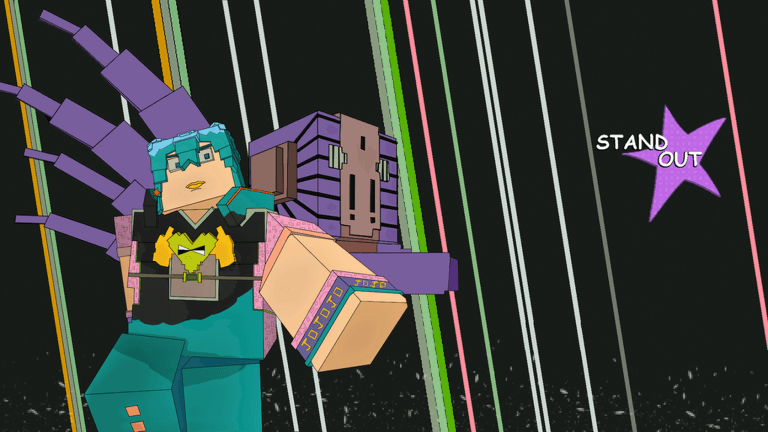
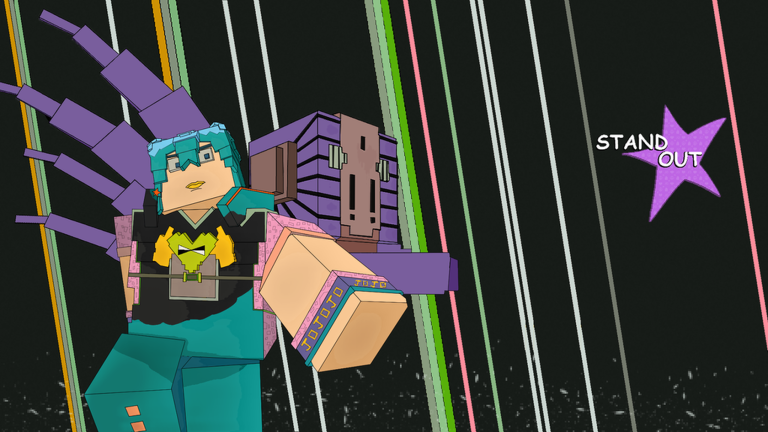
STAND OUT runs on short, announcement-driven windows rather than a fixed in-game calendar. Deadlines arrive as posts from the developer's Discord, get mirrored by trackers within hours, and then close just as quickly. That makes November 2026 a month where the dates on the page matter more than any grind you could schedule. This is the calendar view of what the trackers and official records currently show for STAND OUT (experience 128828638194450).
How STAND OUT's deadlines are structured
Three different rhythms sit on top of each other in this experience. There are one-off expiry announcements, which are posted once with a countdown style warning and then disappear. There is a rolling verification cadence, with the tracking page re-checked every week and again after every update. And there is a standing server rule, where certain entries only function inside newly created servers rather than any server you happen to join.
Unlike games with daily login ticks or weekly shop rotations, STAND OUT's public record does not describe daily or weekly in-game events. The weekly rhythm here belongs to the tracking and verification process, not to a rotating event shop. The one-off announcements are the entries with real deadlines attached.
The current window: what the November record shows
- November 14, 2026: a fourth entry was announced with the message that it expires tomorrow, which put a hard cutoff on the day after the announcement.
- November 14, 2026: Destructoid and GachaPocket each carried the same confirmation for that entry.
- November 15, 2026: Game Rant and the fan-run Stand Out Wiki both updated their coverage. The wiki's version quotes the developer's Discord posts together with their timestamps.
- November 15, 2026, 07:11 UTC: the live public build of STAND OUT was last updated, as recorded by the Roblox Games API.
At the time of writing, there are currently none to redeem. No rewards can be claimed yet for STAND OUT. Seven entries sit in a reported state that no grounded source has confirmed, so none of them should be treated as a sure thing. This page is monitored and updates the moment codes drop.
One-off entries, rolling confirmations, and the server rule compared
The one-off entries carry the sharpest deadlines. A message announcing an expiry tomorrow means the window is measured in hours, not days, so a missed announcement is a missed entry. Rolling confirmations are softer: when several trackers publish the same date, it signals that the entry was live at that moment, but it says nothing about how much longer it will last. The server rule is different again, because it is not a deadline at all. Three entries only work in new servers, so the constraint is where you redeem rather than when.
What still holds value after a window closes
Deadline-driven entries in STAND OUT are temporary, but the access path behind them is permanent. Completing the tutorial, receiving the phone, and joining the developer's Roblox group are one-time steps that stay with your account. Once a window shuts, those are the assets that remain useful, because the next announcement will run through the same route. The phone in particular is the standing inbox for the system, so getting it early means the next deadline reaches you without setup work.
Priority order for the next limited window
- Join the developer's Roblox group before anything else, since that is the front door for announcements.
- Finish the tutorial and get the phone from Meryl at the Iko Iko store, then open it with Z and check the green GIFTS icon.
- Watch the developer's Discord for expiry style posts, since trackers pick them up after the fact.
- When an entry is flagged as new server only, join a freshly created server instead of an older one.
How redemption works once something appears
The redemption path in STAND OUT runs through a story checkpoint rather than a menu button. IGN's guide lays out the sequence: launch the experience, create a character, begin the tutorial, defeat the cop, speak to the stranger, then head to the Iko Iko store and speak with Meryl to receive the phone, choosing the option to confirm. From there, press Z to open the phone and click the green GIFTS icon. IGN also notes that joining the developer's Roblox group is part of the setup.
What returning players should re-engage with first
If you have been away, treat the setup as the first task rather than the announcement feed. Confirm that your character finished the tutorial, that Meryl at Iko Iko gave you the phone, and that you still belong to the developer's group. After that, check whether the build changed, since the public version moved on November 15, 2026 at 07:11 UTC. Setup first, announcements second, entries third.
What the community sources are tracking
The coverage around STAND OUT is unusually synchronized in mid-November. The fan-run Stand Out Wiki, updated November 15, 2026, quotes the developer's Discord posts directly with their timestamps attached, which makes it the clearest trail of when an announcement was made versus when it was reported. BloxWaypoint logs the same announcements independently. Game Rant updated its coverage on November 15, 2026, and Destructoid and GachaPocket both published a November 14 confirmation. IGN's guide closes by inviting readers to report entries that stop working, which is how trackers feed corrections back into the list.
The practical takeaway from that spread is simple: when four sources land on the same date, the date is real, and when only one source carries an entry, treat it as provisional until another tracker catches up.
Q: When was STAND OUT's current public build last updated?
The Roblox Games API records the live public version as last updated on November 15, 2026 at 07:11 UTC.
Q: Why do some STAND OUT entries say they only work in new servers?
Three entries are tied to newly created servers rather than long-running ones, so the fix is to join a fresh server before attempting them.
Q: Where do I go in STAND OUT once something new is announced?
Complete the tutorial, get the phone from Meryl at the Iko Iko store, press Z to open it, and click the green GIFTS icon. If you have not joined the developer's Roblox group yet, do that first.
STAND OUT's November calendar is built from expiry warnings, server restrictions, and a public build that moved on November 15. Mark the announcement dates, keep the phone and group membership ready, and the next window will be a setup job rather than a scramble.
STAND OUT Codes (November 2026)
No active codes yet for STAND OUT; 8 unverified codes are being tracked.
Not yet fully verified. This list updates as sources are rechecked.
No verified active codes are currently recorded for this game. 8 community reported codes are awaiting verification in the Unverified Reports list below, with the source and date we recorded where available.