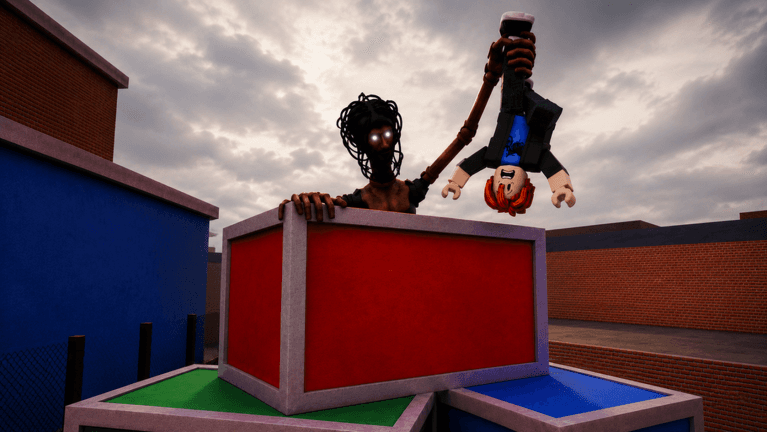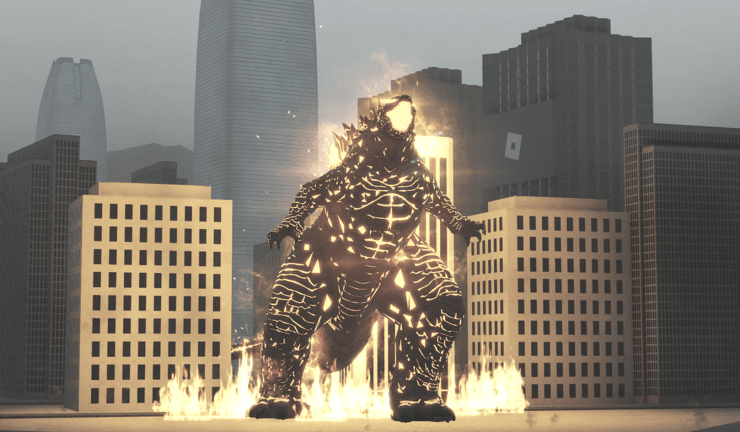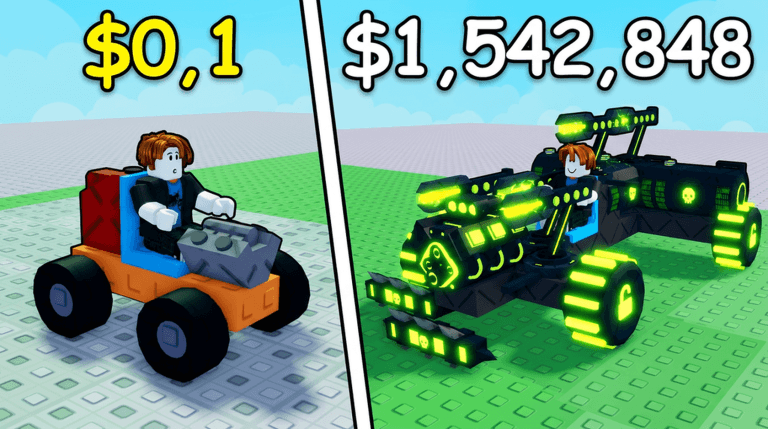
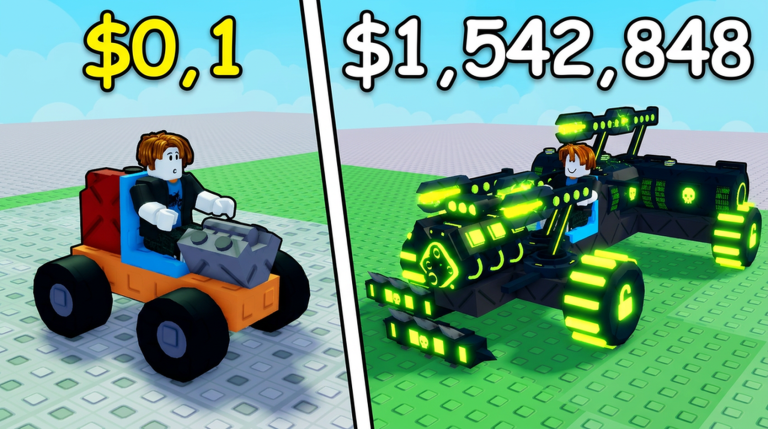
Build and Kill Zombies drops you into a tutorial, hands you a scrappy car to build, and points you at the horde. Claim order matters on a fresh account because every early resource feeds the same loop: roll for rare car parts and weapons, bolt them onto your vehicle, buy skill tree upgrades, then drive out and kill as many zombies as you can.
Codes feed that same loop, and timing decides what a claim is worth. There are currently none to redeem for Build and Kill Zombies. This page is tracking for verified active codes instead, and the 12 codes held in our database are reported but unverified, so none of them are treated as claimable until a source confirms a payout.
What this page tracks for Build and Kill Zombies
Build and Kill Zombies is a Roblox experience about building your own zombie-killing car. You roll for car parts and weapons, attach them freely, purchase skill tree upgrades, and then drive around earning money against zombie waves. Cash helps with purchases, while Tokens and vehicle parts give you extra routes into progression. Assembling a strong vehicle takes time, which is why a fresh account's first hour matters.
This page follows the game's code system rather than its part odds or shop pricing. Every code string players report is held, marked as reported until a grounded source backs it, and replaced in the widget the moment a drop is confirmed. The widget is the source of truth for what can be entered today, and a claim order only helps if the thing you are claiming is real.
Use the live list below after the ad, then keep reading for redemption fixes and update tracking.
Build and Kill Zombies Codes (September 2026)
No active codes yet for Build and Kill Zombies; 12 unverified codes are being tracked.
Not yet fully verified. This list updates as sources are rechecked.
No verified active codes are currently recorded for this game. 12 community reported codes are awaiting verification in the Unverified Reports list below, with the source and date we recorded where available.
How to enter a code in Build and Kill Zombies
- Launch Build and Kill Zombies in Roblox.
- Complete the game's tutorial if you have not already.
- Wait until you spawn in and the on-screen buttons finish loading.
- Click the yellow SHOP button on the left side of the screen.
- Scroll down to the bottom of the Shop menu, where the code entry controls sit.
Paste the string exactly as it appears in the live list and follow the prompt inside the Shop menu. The buttons need to finish loading first, so typing into a half-loaded Shop menu is the most common fresh account mistake, and it looks exactly like a dead code.
Why a Build and Kill Zombies code fails
- Mistyped characters. Copy and paste from the widget instead of typing by hand.
- Already claimed on that account. A string you entered earlier on the same profile will not pay out twice.
- Retired by the developer. Once a code is pulled, entry stops working no matter how you format it.
- Never verified in the first place. Strings circulate in comment sections and reuploaded videos that never matched a real payout.
Currency first, or boosts first
A currency reading of a new drop is the safer default for this game, because Cash feeds the Shop and the roll system that shapes your car. No boost style reward has been confirmed for Build and Kill Zombies, so a boost-first plan is speculation until a grounded source says otherwise. Either way, spend a claim before you sink it into a build you plan to scrap.
Expiration risks for starter drops
Codes for a live Roblox experience can be retired when an update lands, and reports often surface days before anyone confirms them. All 12 codes in this database are reported and unverified, so an old string pulled from a video may already be finished. This game's codes were last grounded on September 24, 2026, and the experience record was last verified on September 13, 2026. The guides covering Build and Kill Zombies were refreshed in mid September 2026, which is the kind of signal we watch when a drop is near.
Q: Can I enter a Build and Kill Zombies code in September 2026?
There are currently none to redeem. The page holds 12 reported strings, all unverified, and the widget will surface a code the moment it is confirmed.
Q: Where is the code box in Build and Kill Zombies?
Complete the tutorial, wait for the on screen buttons to finish loading, click the yellow SHOP button on the left side of the screen, then scroll to the bottom of the Shop menu.
Q: Why did my Build and Kill Zombies code stop working?
It was likely retired, already claimed on that account, or it was only ever an unverified report that never matched a real payout.
Bookmark this page and check the widget before you leave spawn, then put any confirmed claim into the Shop before your first horde run.