A rejected redemption in Clean the Moon! almost always comes back the same way: you open the ticket panel, submit your entry, and nothing changes in your balance. That single moment of silence is where most players give up, but the same symptom usually has one of a handful of causes, and each one has a clear next step.
The good news is that a rejection is not a dead end. In almost every case the problem sits in one of four places: how you typed the entry, which server you are playing in, what your character has unlocked yet, or whether the entry was already consumed on your account. Working through those in order resolves most failures before you ever need to wait for a fresh drop.
What Clean the Moon! Is and What This Page Tracks
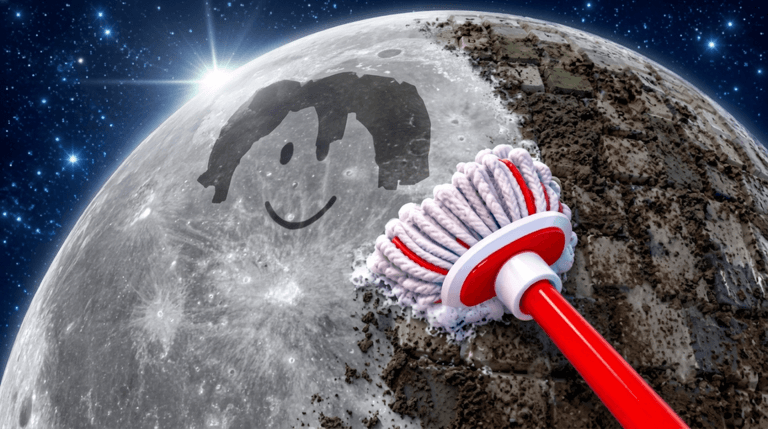
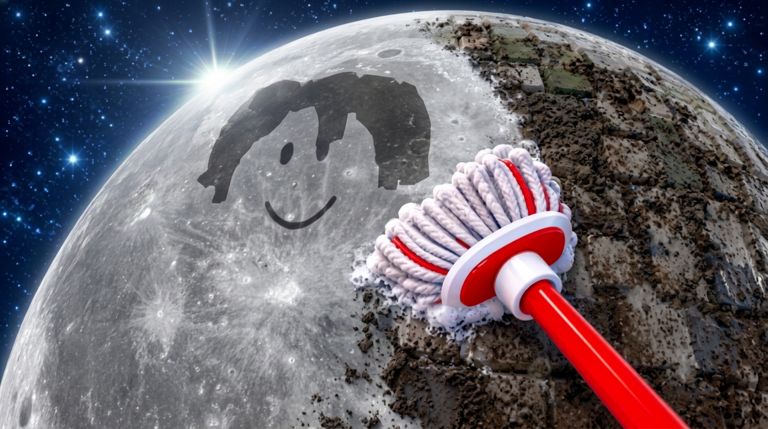
Clean the Moon! is a lunar cleaning experience by Lunarlit Works with the Roblox place ID 76678170614451. You suit up, grab your broom, and sweep moon dust, space junk, and meteor debris off the lunar surface, then sell what you collect for cash. Earnings go back into better brooms, backpacks, and moon boots, into cleaning robots that automate part of the work, and into expanding your lunar base by unlocking new craters and zones. You can also play alongside up to three other cleaners, so the surface does not have to be cleared alone.
This page is a verification board for Clean the Moon! entries specifically. Right now the tracking is set to watch for verified entries, and there are currently none to redeem. New entries will be listed in the live widget the moment they are confirmed, and anything reported but not yet verified stays out of that list until it passes. Use the live list below after the ad, then keep reading for redemption fixes and update tracking.
Clean the Moon! Codes (November 2026)
No active codes yet for Clean the Moon!; 7 unverified codes are being tracked.
Not yet fully verified. This list updates as sources are rechecked.
No verified active codes are currently recorded for this game. 7 community reported codes are awaiting verification in the Unverified Reports list below, with the source and date we recorded where available.
Redeem Through the Ticket Panel
Clean the Moon! handles redemptions through its own ticket panel rather than a chat box. Launch the experience, wait for it to load, and spawn into the lobby. Look for the small yellow ticket logo in the top right corner of the screen and press it to open the redemption window. Submit your entry there and confirm before closing the panel.
The Fix Order
1. Check the spelling. Entries are matched exactly, so a stray space, a wrong letter, or a changed capitalization is enough to make a valid entry look broken. Re-enter it one character at a time.
2. Confirm you are in the right session. If the panel behaves differently after joining another server, switch back to a fresh session and try again from the lobby.
3. Rule out progression gates. Everyone starts at Rookie, and Classes that boost performance are unlocked separately. If an entry appears to be tied to a stage of progress you have not reached yet, finish the step the game asks for and retry.
4. Assume one-time use. Entries are consumed per account. If a submission does nothing on a second attempt, it has likely already been claimed on that account rather than failing.
5. Rule out account-level blocks. Make sure you are on the account you intend to keep the reward on and that nothing in the panel is showing an error state before submitting again.
Where Clean the Moon! Announces Drops
The developer posts updates on the game's Roblox page, and Clean the Moon! has a dedicated Discord server linked directly from that page. Joining it is free and requires no verification, and it is the fastest place to hear about new gameplay updates and new entries. Community guides covering the experience are also refreshed as options are confirmed.
When to Stop Retrying and Wait
After the fix order above, further attempts will not change the outcome. Expiry is normal here: entries are pulled once their window closes, and a stale entry will reject no matter how carefully it is entered. At that point the right move is to stop and wait for the next drop rather than repeat the same submission.
Q: Why does a Clean the Moon! entry reject immediately after I type it?
The most common cause is an exact-match problem in the text, followed by progression gates and one-time-use limits. Work the fix order above before assuming the entry is broken.
Q: Where do I enter a code in Clean the Moon!?
Spawn into the lobby and press the small yellow ticket logo in the top right corner to open the redemption panel.
Q: How do I know when Clean the Moon! gets new codes?
Watch the game's Roblox page and the linked Clean the Moon! Discord server, and check the live list on this page, which updates when entries are verified.
New entries for Clean the Moon! will appear in the live list above as soon as they are confirmed. Keep this page bookmarked, work the fix order when something rejects, and you will catch the next drop as it lands.